Most small businesses automate the wrong process first. They pick whichever is the most annoying or time consuming: the one someone complains about in the Monday meeting or the one that caused a lost sale. However, that annoying and time consuming process doesn't necessarily mean it is a good candidate for automation.
AI in the Workplace
AI promises a lot right now. Enterprises and small businesses alike have signed up for subscriptions that were originally low cost and high value, but six months later, the providers shifted to credit based usage and monthly bills exploded.
Despite this, AI tools now do things that no longer require multiple specialists or large one-off annual budget allocations. An employee with zero coding experience can now build something that would have cost a business hundreds of thousands of dollars to commission a few years back. I've personally built an interactive website just to run a weekly team quiz with a few simple prompts. That build doesn't cost the business money upfront. It costs the user time.
The question that matters, is whether a company's investment in AI saves money, adds value, or whether employees are building products and workflows that have no demonstrated value.
Are You Measuring This
Ask a business if they've run a cost benefit analysis on this year's automation. The truth is that most have no idea. Subscriptions were bolted onto existing services, workflow outputs and credit usage are tracked, but no one is quantifying measurable benefits.
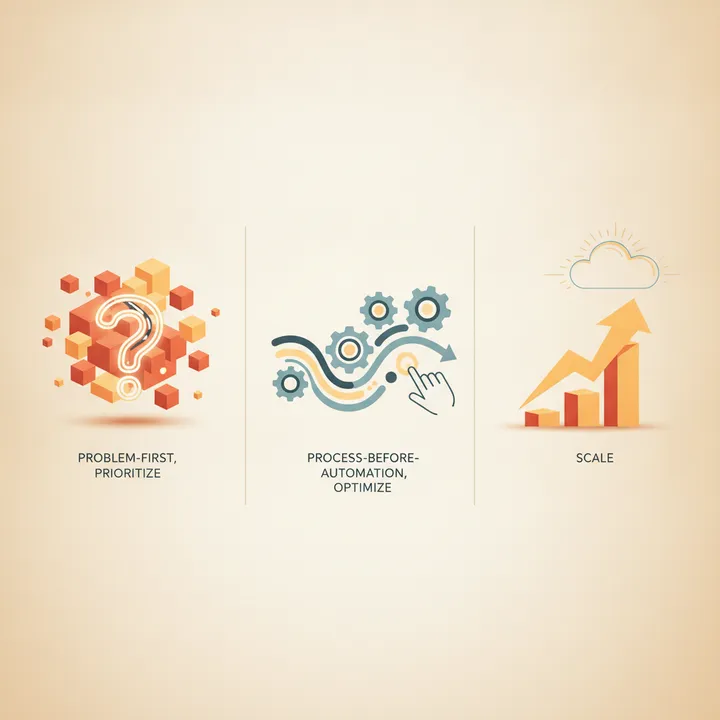
The Problem First, Process Before Automation
Every framework I've read says you must define the observable business outcome before you touch a tool. To do this, you need to start with a baseline: time used, error rate, and how much rework it generates. Without that baseline, you will not be able to tell if an automation helped or just wasted time.
Most tasks in reality won't need AI or a complex workflow. Most will just need a fixed rule, a template, or a checklist enforced through a form instead. If a task is well defined and never changes, a dumb rule beats an AI agent on cost and reliability every time.
Triage What Can Be Automated
Should you automate a chosen process? To determine this, the best option is to score it across the same handful of dimensions: volume, rule stability, data readiness, and error cost. Some add exception rate, integration readiness, and measurability on top. One version scores each candidate from 1 to 5 on volume, pain, structure, and stability, then multiplies the four numbers together. If the process fails across one of these dimensions and has a high degree of variability, automating it may create more work, cost more time, and increase frustration.
Run your own shortlist through it this week.
- Volume: how often does this actually happen? Automating something that runs twice a month barely moves the needle.
- Rule stability: has this process looked the same for two years, or does it change every time someone new touches it?
- Data readiness: is the input clean and structured, or scattered across emails, spreadsheets, and someone's memory?
- Error cost: what does a mistake actually cost in dollars, compliance exposure, or rework hours?
Lead handling is a good example of what a strong candidate looks like: capture the lead, send an instant acknowledgment, and alert the right person. High volume, simple rules, clean data, and a missed lead are easy to price. Finance has similar candidates in invoice matching. HR has them in onboarding paperwork. Sales has them in CRM data entry. Pick one and review its viability for automation.
Optimize Before You Automate
Automating a broken process makes those errors show up faster, and they remain embedded and ongoing rather than being resolved. The key to success is to optimize first: map it, simplify it, understand how it's meant to work, and then automate it. If your current workflow is undocumented, inconsistent, or different every time someone runs it, those problems will remain. The goal is to automate once it's stable and repetitive, not before.
Forbes Coaches Council pulled together twenty of these rollout mistakes, and most of them come down to businesses trying to automate without established processes.
Design For Issues, Not For What Works
Before you build, understand exactly what you need as well as all the things that could go wrong. Put in place stop conditions, preserved evidence, clear ownership, and a way to reverse it. Then choose the lowest level of autonomy that will get the job done.
Measure the Whole Thing
Once it's running, measure the cycle time, errors, rework, cost, and how fast you can recover if it breaks. Start with one bounded workflow, review, adjust and implement. If it doesn't work, stop and move on.